

RoshanOS 4 Pro Qalandari – The Ultimate 3-in-1 OS
Experience the power of Linux, the versatility of Android, and the familiarity of Windows – all in one seamless operating system.
Recently, RoshanOS is listed on the most famous Linux & open source website DistroWatch ❤️.
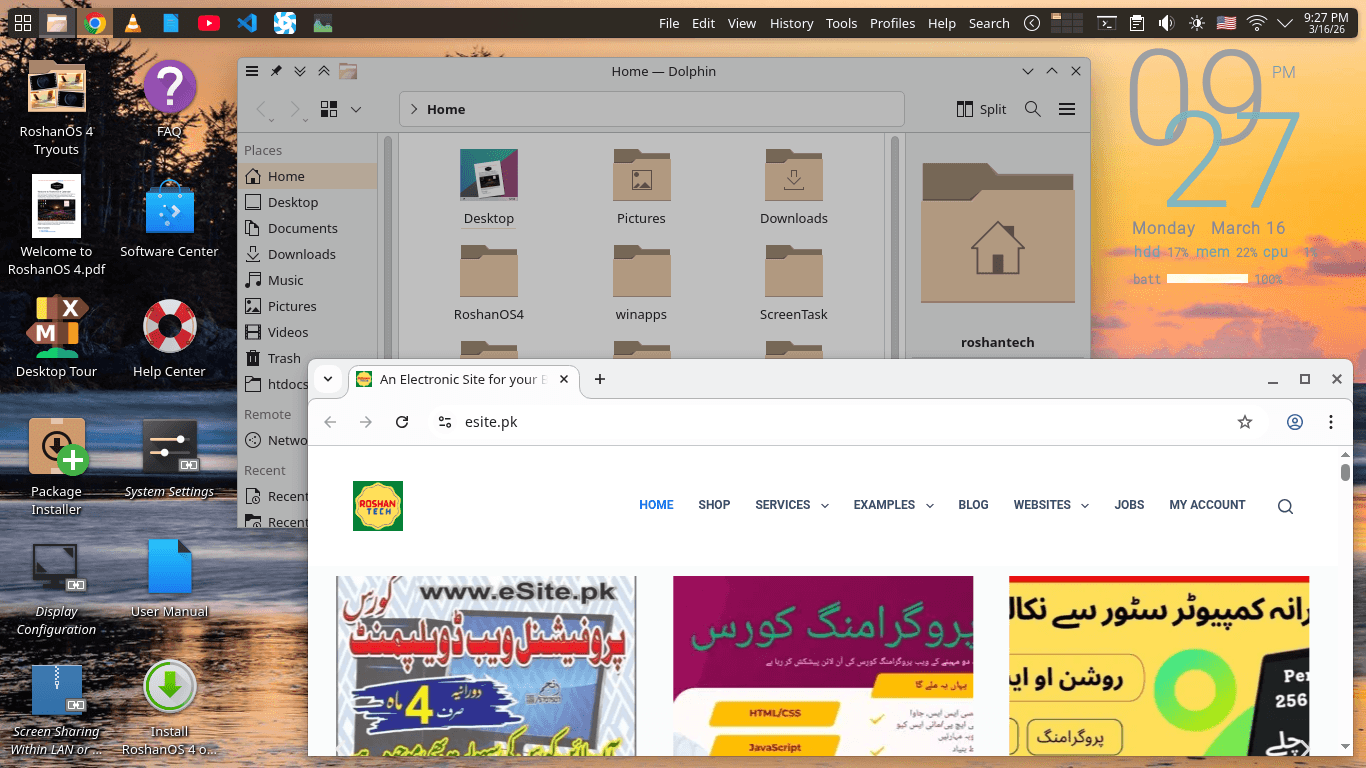
RoshanOS 4 Pro Qalandari is our premium, high-performance edition built for users who want a “No-Compromise” computing experience. Designed specifically to help Windows users transition to the freedom of open-source without losing their favorite apps, it combines the rock-solid stability of MX Linux (Debian-based) with advanced container technology.
🚀 Key Highlights
3-in-1 Ecosystem: Run Linux desktop apps, Android mobile apps (including Google Play Store), and Microsoft Windows software simultaneously.
Next-Next Simplicity: Forget complex terminal commands. Our “RoshnaOS 4 Pro” uses a modern UI to unlock your system features with just few clicks.
Developer Ready: Includes the unique “Tryouts” folder with ready-to-run code for Python, Java, C++, PHP, and more.
Secure by Design: Built-in protection against viruses and malware, optimized for privacy and speed.
Long-Term Support: Based on MX 25 (KDE), supported with security updates until 2028/2030.
📱 Android Apps on Your Desktop (Android Integration)
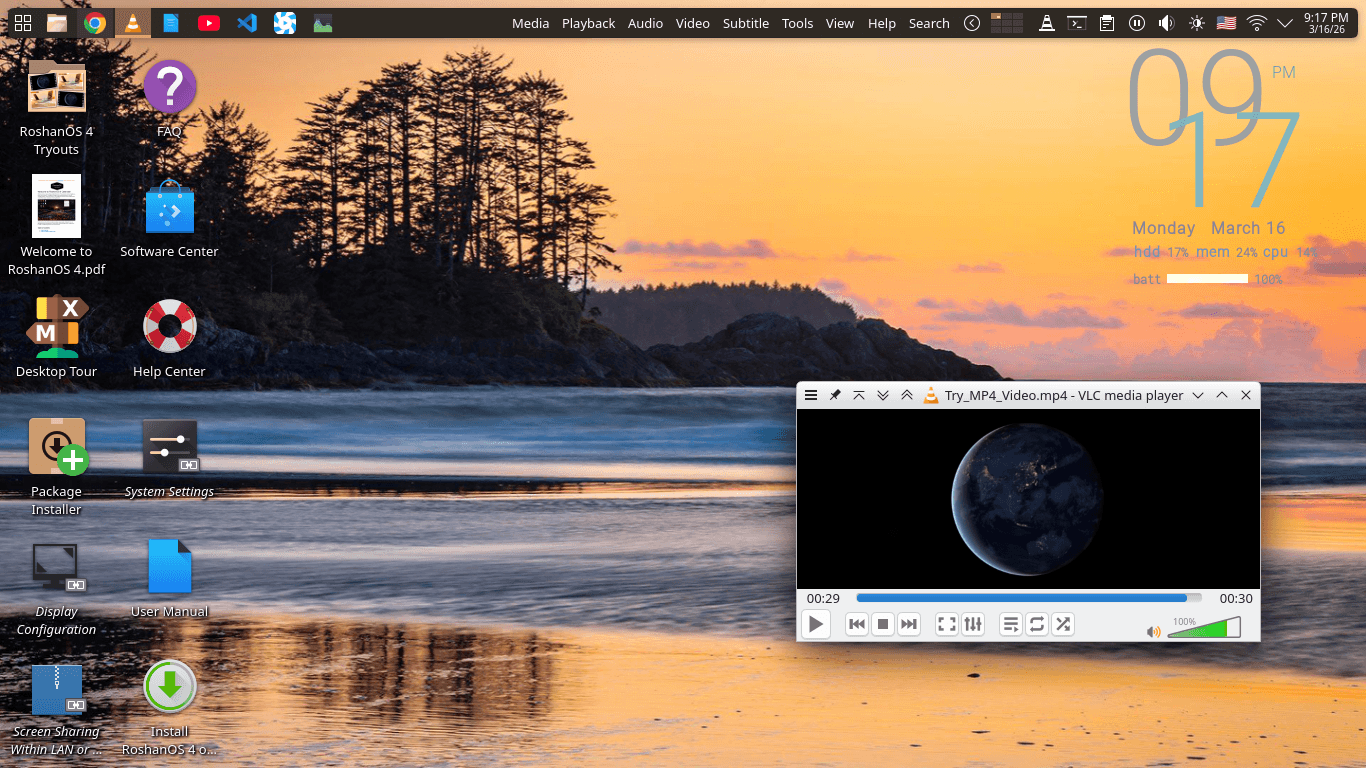
RoshanOS 4 Pro includes a deeply integrated Android environment. Unlike slow emulators, it runs Android at near-native speed directly on the Linux kernel.
Google Play Store Support: Choose “Android with Google Apps” during setup to access millions of apps.
Seamless Integration: Android apps open in their own windows, just like standard PC software.
🪟 Windows Apps without the Bloat (Windows Integration)
Need that one specific Windows-only software? It allows you to run Microsoft Windows 10 or 11 inside RoshanOS 4 Pro.
Flexible Versions: Support for Windows 10/11 Pro, Enterprise, and the lightweight LTSC version.
Shared Folders: Seamlessly share your home folder between RoshanOS and Windows for easy file management.
App Mode: Run Windows apps in their own separate windows alongside your Linux apps.
🛠 Technical Specs & Requirements
To enjoy the full “Pro” experience, we recommend the following hardware:
| Component | Minimal (Functional) | Ideal (Smooth/Pro) |
| Processor | Intel i3 (6th Gen) / Ryzen 3 | Intel i5 (10th Gen+) / Ryzen 5 |
| RAM | 4 GB or 8 GB | 16 GB or 32 GB |
| Storage | 32 GB or 64 GB SSD | 256 GB NVMe SSD |
| Graphics | Intel HD/UHD | NVIDIA GTX 1050 / AMD RX 560+ |
Note: CPU Virtualization (VT-x/AMD-V) must be enabled in your BIOS.
🎨 Intelligent Workspace
Screen Corners & Edges: Move your mouse to corners to trigger special actions: Top-Left for the Menu, Top-Right for Workspaces, and Bottom-Corners to hide all windows.
9 Virtual Workspaces: Organize your work across 9 different desktops with easy switching.
Daily Refresh: Your wallpaper and system accent colors change automatically every day to keep your workspace fresh.
💳 Pricing
RoshanOS 4 Pro is a one-time purchase. No monthly subscriptions.
Local (Pakistan): PKR 2,500
International: $10.00
How to Setup:
- Purchase “RoshanOS 4 Pro“ & note down the bank details and order ID.
- Send payment and share order ID on WhatsApp +923005393652 or email to [email protected].
- After confirmation, we will enable your download page.
- Download RoshanOS-4.0-Qalandari.iso & RoshanOS-4.0-Qalandari.iso.md5 files from the download page on “My account“
- Optionally verify the .ISO file’s MD5 checksum matches with the .MD5 file content.
- Download the “Welcome to RoshanOS 4.pdf” doc and read & create bootable USB.
- Boot from the USB & install as mentioned in the RoshanOS 4 Welcome doc.
- After installation & reboot (without the USB), download Android/Windows setup files, .
- Download & follow our easy step by step doc instruction (RoshanOS 4 Pro.pdf) & unlock Android/Windows support.
Developed by: Aamir Shahzad (RoshanTech/eSite.pk)
Support: [email protected] | WhatsApp: +923005393652
RoshanOS – Empowering Pakistan with Open Source.
Reviews
There are no reviews yet.